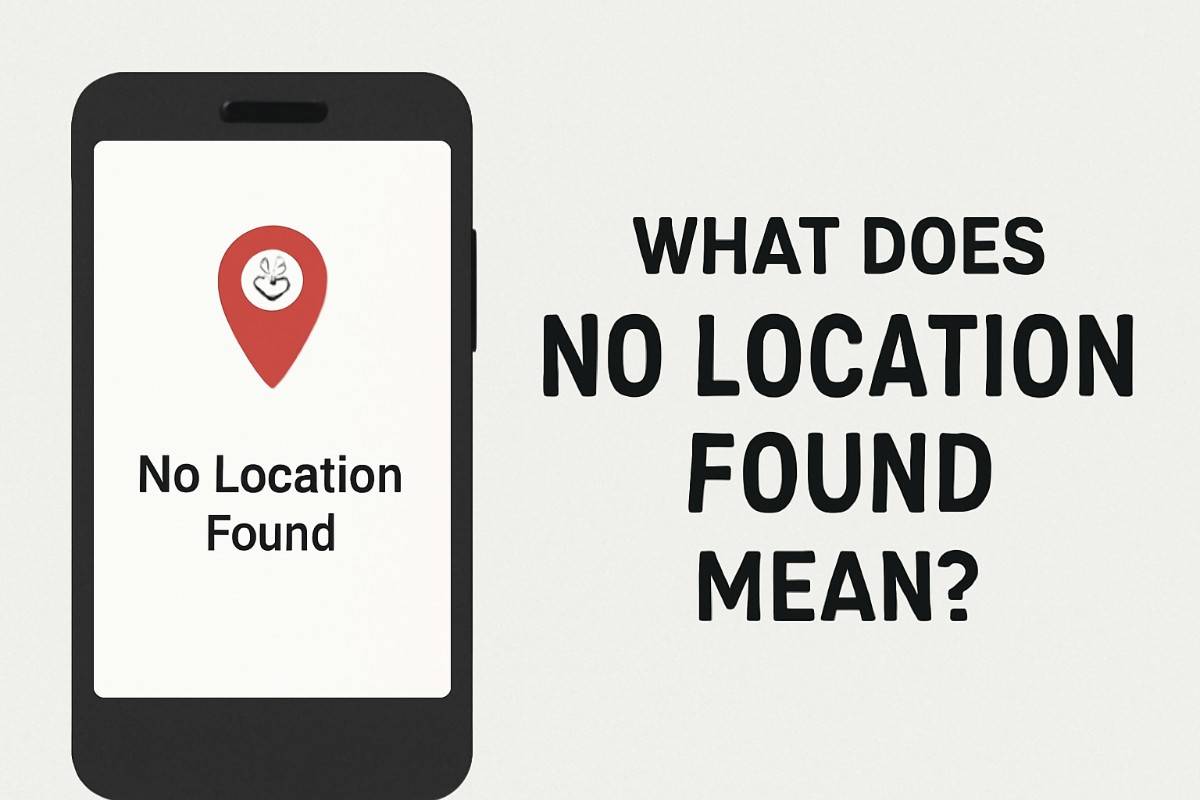
Let’s be honest—you open the Find My app expecting to see a dot bouncing around a map. Instead, you get this cold, cryptic message:
“No Location Found.”
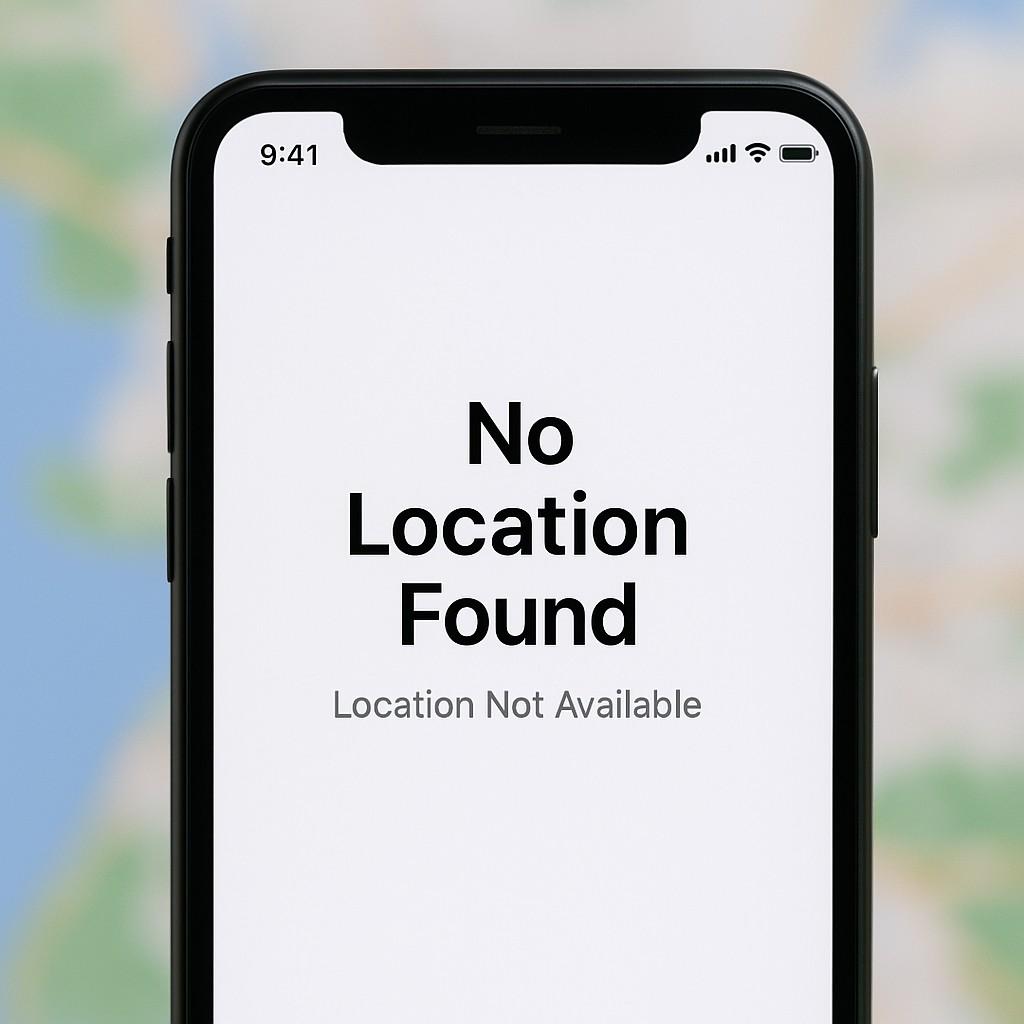
Your stomach drops a little, right?
I’ve been there too. You start overthinking:
Did they turn their phone off? Did I get blocked? Is something wrong?
But breathe. That message? It’s usually a tech hiccup, not a secret mission to disappear off the grid.
Let’s walk through what it actually means, why it shows up when you least expect it, and what you can do (without spiraling into detective mode).
First Things First: What Does “No Location Found” Really Mean?
No fluff here—when you see “No Location Found,” your device just can’t connect to their device. Think of it like yelling into a canyon and hearing… nothing.
It doesn’t mean someone blocked you.
It doesn’t mean they dropped off the face of the earth.
It’s almost always one of these:
- Their phone’s dead (been there, done that)
- They’re in a dead zone (subway tunnels, middle of nowhere, Costco parking lot…)
- Airplane mode is on
- Location permissions are off
- Their phone’s date/time is weirdly wrong
- Or—classic—tech is just glitching again
Honestly, it’s usually a mix of boring and fixable. Not exactly thrilling, but true.
It’s Not Just Apple—This Happens Across Apps
If you think this is just a “Find My” thing, think again. You’ll see it (or something similar) on apps like Life360, Google Maps, even Snapchat.
| App | Translation |
|---|---|
| Find My (iPhone) | No signal, dead battery, or they turned something off |
| Life360 | GPS isn’t playing nice, or app was closed completely |
| Google Maps | They stopped sharing location, or app is stuck in the past |
I remember trying to check where my cousin was during Comic-Con weekend—massive crowds, no signal. His icon? Gone. “No Location Found.”
Turns out, he was geeking out at a Star Wars booth while his phone begged for Wi-Fi. Crisis averted.
“No Location Found” vs “Location Not Available” — Yes, They’re Different
These sound like the same thing. But nope. Totally different vibes.
| Message | What It Means |
|---|---|
| No Location Found | Phone can’t connect—offline, no GPS, maybe in a forest somewhere |
| Location Not Available | They chose not to share with you (yikes or… privacy, depending who it is) |
🧠 Think of it this way:
“No Location Found” is tech struggling.
“Location Not Available” is a person setting boundaries.
Situations You’ve Probably Experienced
🎒 After School Check-In… But Nothing Shows Up
You open Find My to see if your kid’s made it home. Instead? Silence.
Most likely:
Their phone died, or it’s chilling in their backpack on Airplane Mode. Maybe TikTok drained the battery faster than you can say “screen time.”
🛣️ Life360 Isn’t Updating for Hours
Your partner’s icon hasn’t moved since lunch. Are they stuck in traffic or…?
Reality check:
They closed the app, turned on low-power mode, or forgot to connect to Wi-Fi. Again, not sabotage—just daily chaos.
🕰️ Their Phone Thinks It’s 2036
Yep. If someone messes with date or time settings (intentionally or accidentally), it messes with GPS big time.
Quick fix:
Settings → General → Date & Time → Set Automatically.
Boom. No more time-warp confusion.
What You Can Actually Do About It
Good news: you don’t need to call the FBI. These steps usually get things back on track.
For iPhone Users:
- Check your own signal — Can’t track if you’re offline.
- Ask them — A quick “hey, is your phone on?” goes a long way.
- Turn on Location Services — Settings → Privacy → Location → ON
- Restart the phone — Old-school, but it still works.
- Enable “Share My Location” — Settings → [Your Name] → Find My → Flip that switch.
Using Life360?
- Keep the app running in the background
- Disable battery saver
- Update the app regularly
- If it’s still weird? Log out and back in. That trick hasn’t failed me yet.
It’s like giving the app a cup of coffee—suddenly it’s awake again.
When It Might Be Worth a Little Concern
Let’s be real. Sometimes, there is reason to dig deeper.
🚩 They never show up anymore
🚩 They used to share locations daily, now it’s crickets
🚩 Everyone else’s locations are working fine
🚩 They’re also ghosting you on texts, calls, and DMs
You know the difference between tech problems and social signals. Trust your gut—but don’t jump to conclusions either.
How to Make This Happen Less Often
Want smoother tracking? Here’s what actually works:
- Keep the phone charged (obviously… but people forget)
- Don’t force-close location apps
- Turn off low-power mode if you rely on live updates
- Use Wi-Fi when possible
- Set auto time & date (no more GPS tantrums)
- Enable background app refresh
Bonus tip:
Apps like Life360 let you set up alerts like “arrived home” or “left work.” Super handy for peace of mind.
Final Thoughts: “No Location Found” Isn’t Always a Big Deal
Let’s not overthink this. That little phrase can feel scary—but most of the time, it’s just tech doing what tech does: glitch, stall, or flat-out snooze.
I’ve seen it 100 times. You think something’s wrong… but they’re just in a dead zone, grabbing fries, and their phone’s clinging to 1% battery life.
So yeah, next time you see it? Check the basics. Ask them. Restart stuff.
And maybe don’t assume you’ve been blocked unless you’re also left on “read.”
Related Reads You’ll Want to Bookmark
- Why Does It Say No Location Found? Real Fixes & Tips
- Why Does It Say “No Location Found”? Yep, I’ve Been There Too
Frequently Asked Questions
Q: What does “No Location Found” actually mean?
Your device can’t reach theirs—could be no signal, battery’s dead, or GPS is just off.
Q: Is it possible they did this on purpose?
Maybe. If they turned off location sharing, or shut off their phone—yeah, it’ll trigger this.
Q: Does it mean I’m blocked?
Not usually. Blocking kills all contact, not just your map dot.
Q: How long does it stay that way
Depends—minutes if it’s just a hicup. Could be hours if their phone’s off.
Q: Why does it still say “No Location Found” even when they’re online?
Could be GPS or app settings acting up. Just being online isn’t enough—it needs the full location package.